
Smart thermostats are becoming a popular addition to modern homes, offering an easy way to control your heating and cooling while saving energy. With their ability to learn your habits, connect to your smart home ecosystem, and adjust the temperature remotely, smart thermostats make managing your home’s climate convenient and efficient. Here’s a guide on setting up and using a smart thermostat to get the most out of it.
Choosing the Right Smart Thermostat

Before diving into installation, it’s essential to choose a smart thermostat that’s compatible with your home’s heating and cooling system. Different systems—whether they’re single-stage, multi-stage, or heat pumps—may require specific models. Leading brands like Nest, Ecobee, and Honeywell offer a wide range of options that cater to various HVAC systems, so be sure to check the compatibility requirements on the product specifications.
Once you’ve selected your smart thermostat, ensure it’s also compatible with your preferred smart home ecosystem. Many smart thermostats work seamlessly with platforms like Google Assistant, Amazon Alexa, or Apple HomeKit, allowing voice control and integration with other smart devices.
Most smart thermostats are designed for DIY installation, but it’s crucial to follow the manufacturer’s instructions closely. The first step is to turn off the power to your HVAC system to avoid any electrical mishaps during installation. Remove your old thermostat and take note of the wiring configuration. Smart thermostats typically have clear, color-coded terminals that match the wires from your old device, making the installation straightforward.
If your system requires a C-wire (common wire) for power, make sure to have that connected as well. If your current setup doesn’t have a C-wire, many thermostats come with a power adapter kit to accommodate systems without one.
Once connected, power the system back on and follow the on-screen setup instructions on the smart thermostat display. It will guide you through connecting to your Wi-Fi, entering system details, and adjusting initial settings. Some models even offer video tutorials through their companion app for added assistance.
Connecting to Your Smart Home System
After physical installation, it’s time to integrate your smart thermostat with your smart home ecosystem. Download the thermostat’s companion app (e.g., Google Home, Nest, Ecobee app), and follow the steps to connect it to your home network. From there, link it to your preferred voice assistant for voice control.
Once connected, you can control the temperature using voice commands like “Hey Google, set the thermostat to 72 degrees” or “Alexa, increase the temperature by 2 degrees.” Smart thermostats also allow you to create automations or routines, such as lowering the temperature when you leave the house or raising it when you’re about to return.
One of the biggest advantages of smart thermostats is their ability to learn your preferences over time. Devices like the Nest Learning Thermostat analyze your daily routines and automatically adjust the temperature based on when you’re home or away. This learning feature helps optimize energy use, ensuring your home is comfortable when you need it and saving energy when you don’t.
If you prefer manual control, most smart thermostats offer customizable scheduling options. Through the companion app, you can set a daily or weekly schedule for your heating and cooling, ensuring the perfect temperature at specific times of the day. For example, you can schedule the thermostat to lower the temperature while you sleep and raise it when you wake up.
Remote Control and Monitoring
One of the most convenient aspects of smart thermostats is the ability to control them remotely. Whether you’re at work, on vacation, or just lounging on the couch, you can adjust the temperature from your smartphone. This is particularly useful if your plans change, allowing you to increase or decrease the temperature on the go.
The companion app also provides valuable insights into your energy usage. Many smart thermostats provide reports detailing how often your HVAC system is running, the amount of energy used, and tips for improving efficiency. Some even offer rebates and rewards for energy savings through partnerships with utility companies.
Smart thermostats are designed to help save energy and lower utility bills. By automatically adjusting to your schedule, learning your preferences, and providing energy usage reports, these devices ensure that your HVAC system runs as efficiently as possible. Features like geofencing, which adjusts the temperature based on your phone’s location, ensure the system doesn’t run when you’re not home, reducing unnecessary energy consumption.
Additionally, smart thermostats allow you to monitor and control energy use based on real-time data, optimizing your settings for maximum efficiency. Some models even integrate with energy-saving programs run by utility companies, offering further savings.
Maintaining Your Smart Thermostat
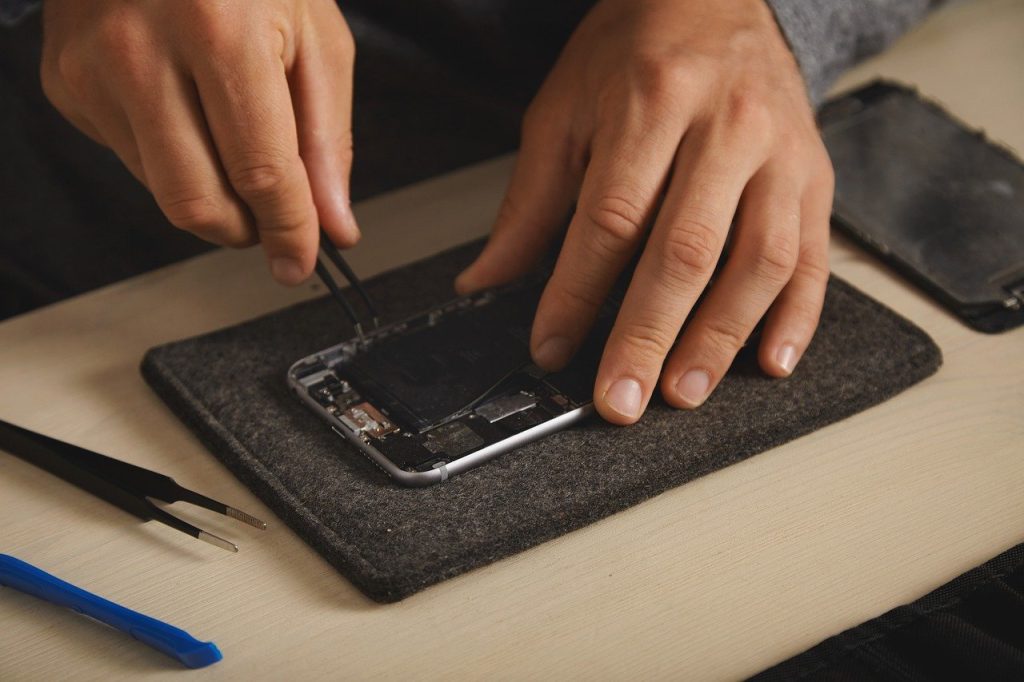
To keep your smart thermostat running smoothly, perform regular maintenance checks. Ensure the thermostat’s software is always up to date, as manufacturers frequently release updates that improve functionality and security. Periodically check your HVAC system for any issues, such as clogged filters or malfunctions, that could affect your thermostat’s performance.
Setting up and using a smart thermostat is an excellent way to improve comfort and reduce energy costs in your home. From easy installation to advanced features like learning capabilities, scheduling, and remote control, smart thermostats provide a comprehensive solution for managing your home’s climate. By integrating it with your smart home ecosystem, you can create a fully connected, efficient, and comfortable living space.
Leave a Reply